Redrawable vs. the alternatives, line by line.
Canva, Illustrator, Vectorizer.AI and freelancers can each do part of the job. Redrawable is built for the whole of it: a client's image in, an editable vector file at your print size out.
Get started
 Raster imagePrint-ready vector
What each one hands you.
Turning a client's image into a file you can edit and print. Checked against each tool's published features, October 2026.
| Feature | RedrawableRebuilt for print | Canva ProMagic Layers, Grab Text | Adobe IllustratorImage Trace, Retype | Vectorizer.AIAutomatic tracing | Freelance redrawFiverr, Upwork |
|---|---|---|---|---|---|
| Words come back as live text | Yes.Every line, in the best-matching font. | Yes.Grab Text and Magic Layers lift text into text boxes. | No.Retype converts one word at a time, by hand. | No.Letters are traced into outlines. | Yes.Retyped by hand. |
| Logos and icons as clean vector shapes | Yes.Redrawn with smooth curves and solid fills. | No.Elements are separated as image cut-outs. | No.Image Trace follows the pixels; cleaning up the curves is on you. | Yes.Traced as vector paths. | Yes.Redrawn by hand. |
| Layers grouped and named | Yes.Text, shapes and photos, each named by what it is. | Yes.Magic Layers splits the image into layers. | No.Thousands of loose traced paths. | No.Paths grouped by color, not by meaning. | Yes.Layered by hand. |
| Photos kept as real images | Yes.Kept as images, in their own layer. | Yes.Stay as images. | No.Traced into patches of flat color. | No.Traced into patches of flat color. | Yes.Usually kept as images. |
| Laid out at your print size, with bleed | Yes.Trim, bleed and safety margin set for the product you pick. | No.You resize it and add the bleed yourself. | No.You set up the artboard yourself. | No.The size of the pixels you uploaded. | Yes.Set up to the size you give them. |
| CMYK PDF, Illustrator and SVG files | Yes.All of them, plus PNG and JPG, in one download. | No.Print PDF and SVG, but no Illustrator file. | Yes.Saves every format, once you have built the file. | No.SVG, PDF and EPS, but no Illustrator file or CMYK. | Yes.Whatever you agree on. |
| A proof you mark up and get revised | Yes.Pin notes on the proof and ask for a revision. | No.You make every change yourself. | No.You make every change yourself. | No.Re-run with different settings. | Yes.Revisions by message, as agreed. |
| No design skills needed | Yes.Upload, approve the price, review the proof. | Yes.Built for non-designers. | No.A professional tool with a learning curve. | Yes.Upload and download. | Yes.Someone else does the work. |
| Back the same day | Yes.Usually under an hour. | Yes.Seconds, plus your editing time. | No.Hours of redrawing by hand. | Yes.Seconds. | No.Often one to three days. |
- Does it for you
- Doesn't; you do it by hand, or not at all
Pick the right tool for the job.
Every one of these is good at something. Here is when each makes sense.
- Canva Pro
- The design will be edited and printed from inside Canva, and nobody needs a vector file.
- Adobe Illustrator
- You have a designer with time to redraw the artwork and set up the file by hand.
- Vectorizer.AI
- You need a quick trace of a simple logo or shape with no words to edit.
- A freelancer
- The job needs a person's judgment and can wait a few days.
- Redrawable
- A client sent an image of a whole design, and you need an editable, print-ready file today.
Questions, answered.
Isn't Canva's Magic Layers the same thing?
Magic Layers makes a flat image editable inside Canva. Redrawable makes a vector file for print: logos and icons are redrawn as vector shapes, the layout is set at your print size with bleed, and you get CMYK PDF, Illustrator and SVG files to send anywhere.
Why not just use Image Trace in Illustrator?
Image Trace turns every edge of color into a path, so text becomes outlines and photos become flat patches. You can rebuild the file from there, but that is the hours of work Redrawable does for you.
Is Redrawable a vectorizer?
No. A vectorizer traces the picture. Redrawable rebuilds the design, so each part comes back as what it is: text as text, shapes as shapes, photos as photos.
Do I still need design software?
Only if you want to change the design further. The files open in Illustrator, Inkscape, Affinity and Figma, and the PDF goes straight to a printer.







Take on the next job without redrawing it by hand.
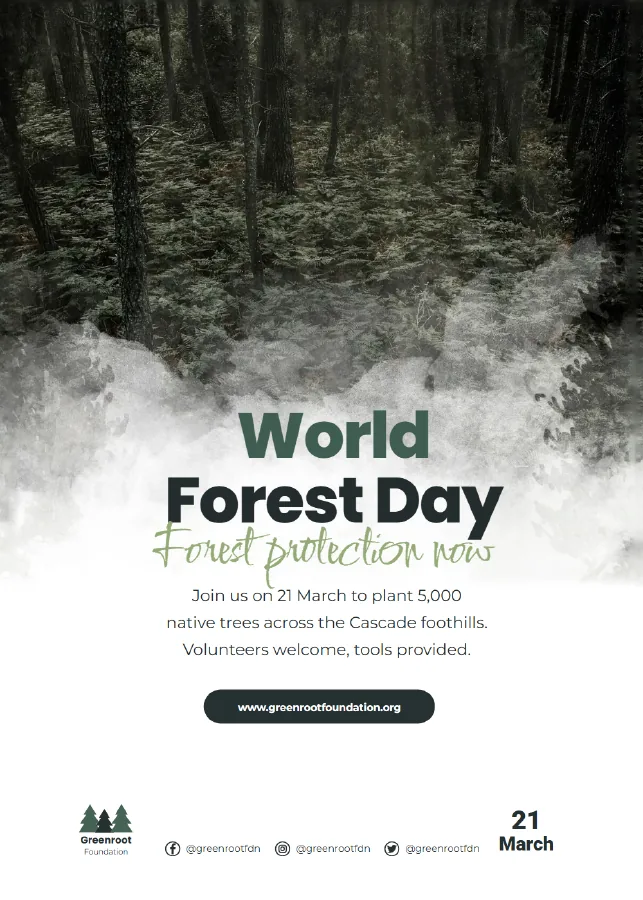
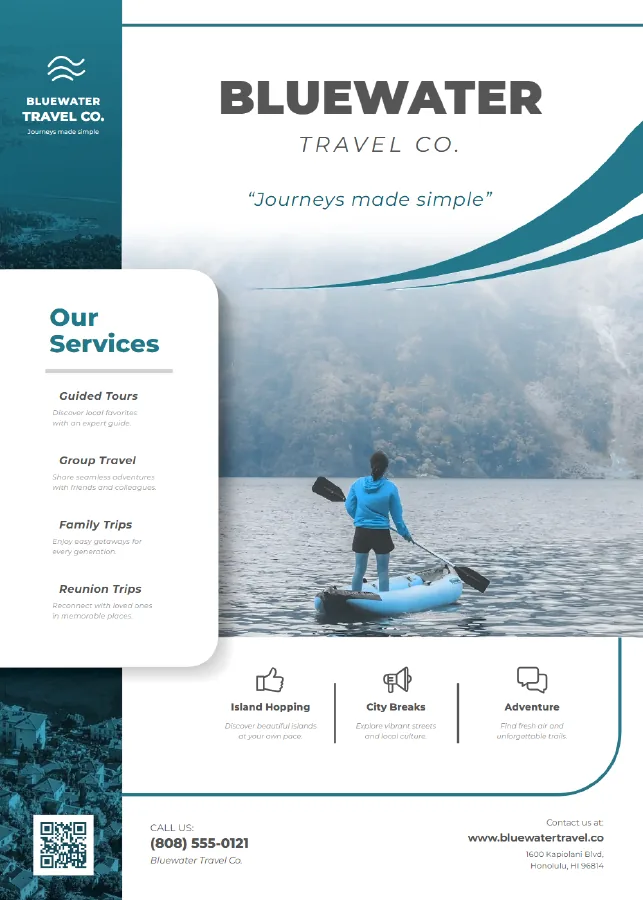
Send the client's image. Get back an editable vector file at print size, every part ready to select and change.
Get started